What did I learn in the past month of experimenting and creating digital collages?
Let’s start with just the idea of bringing various elements together and how that can sometimes be freeing and sometimes shuts me down.
Too many decisions and too much “stuff” to choose from for me is like living in a hoarding situation. I have rooms (folders on the computer) chock full of photos, digital drawings and other elements taken from books, magazines, everyday items, topography and fonts, textures. Yes thousands of files and I could spend all day looking through those – wondering why I have them – and never make a choice of something to work with. That is shut-down, overwhelm and drowning in stuff for me.
So where to begin? I finally decided to follow some advice from smart people on Insta and Substack – Lea Pearson (@missingpearson) and Esta Tonkin (https://seektomake.substack.com ) and narrow my focus to a certain type of collage composition or technique each session and let the elements find their way to my work that way. Here are two handy lists created and shared by the two mentioned above – so helpful in giving me a place where I might begin thinking about a collage piece:
Cluster: Overlap images with some in front and some behind to create a sense of depth.
Scene: Create a scene as if you were painting a picture. Does your scene tell a story?
Mimic: Arrange your collage to mimic the design of something else.
Shape: Arrange your collage with a simple shape, like a circle, square or triangle.
Slogan: Base your collage simple saying or slogan. Use images that link to the text.
Word : Arrange your collage around a single word.
Background: Cut or tear your background into an unusual shape.
Orbit: Arrange smaller images around a central image, like moons orbiting a planet


Texture: Create interesting textures with my own photos or in Procreate
Reveal: Tear away parts of the whole to reveal lower layers
Replace: Cutaway and replace parts of an image with a different image
Combine: Put different images together in novel ways
Outline: Cut images away from their background to create new shapes
Strips: Use horizontal or vertical strips of the original image
Shapes/Symbols: Add shapes or symbols ( like text ) to add interest and background
Draw/Paint: Create additional interest or convey meaning with paint or drawing effects
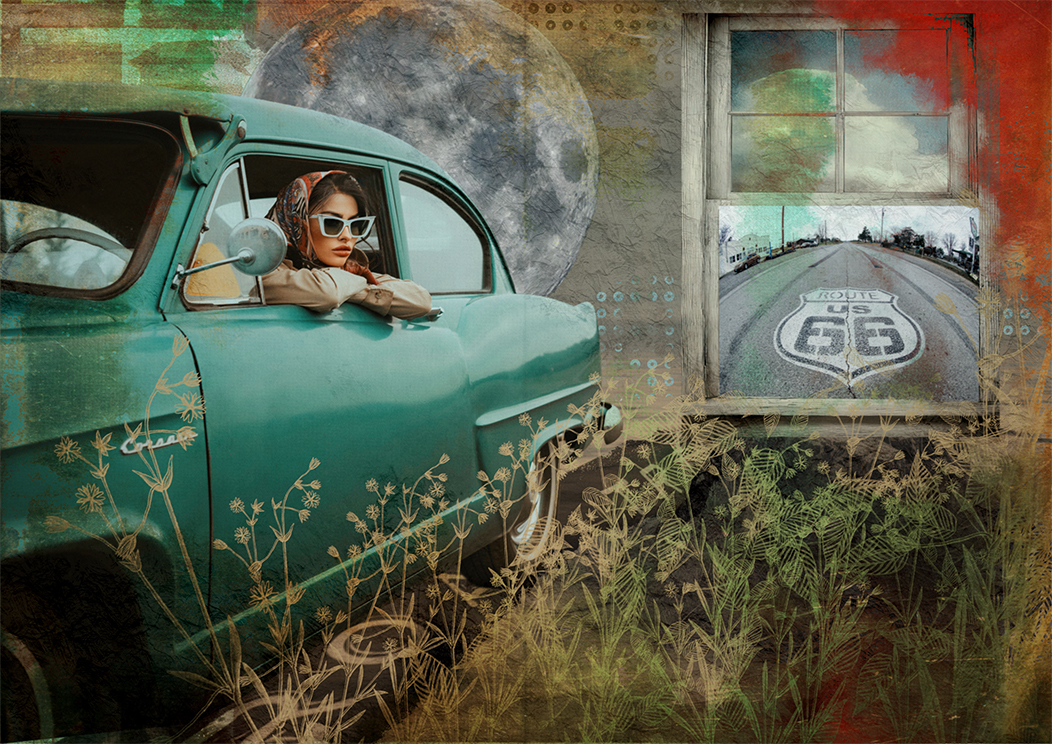
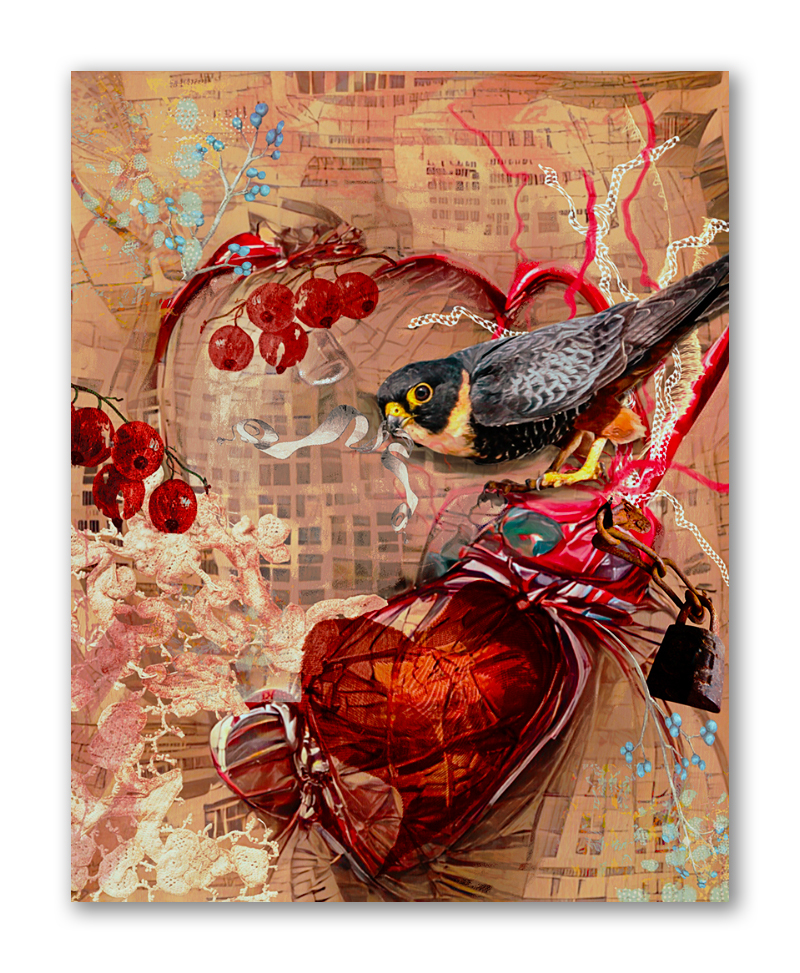
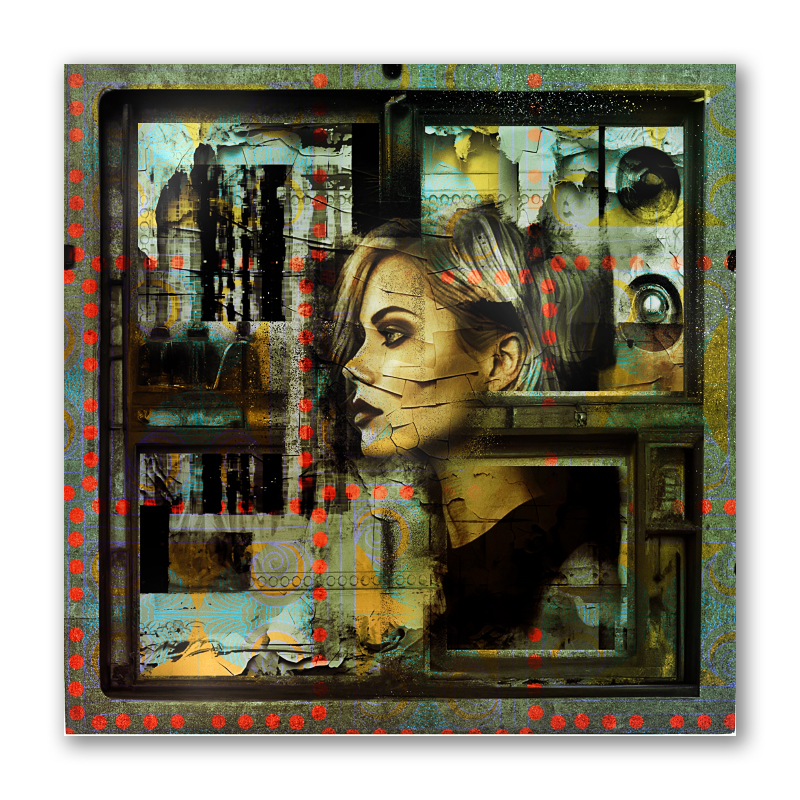
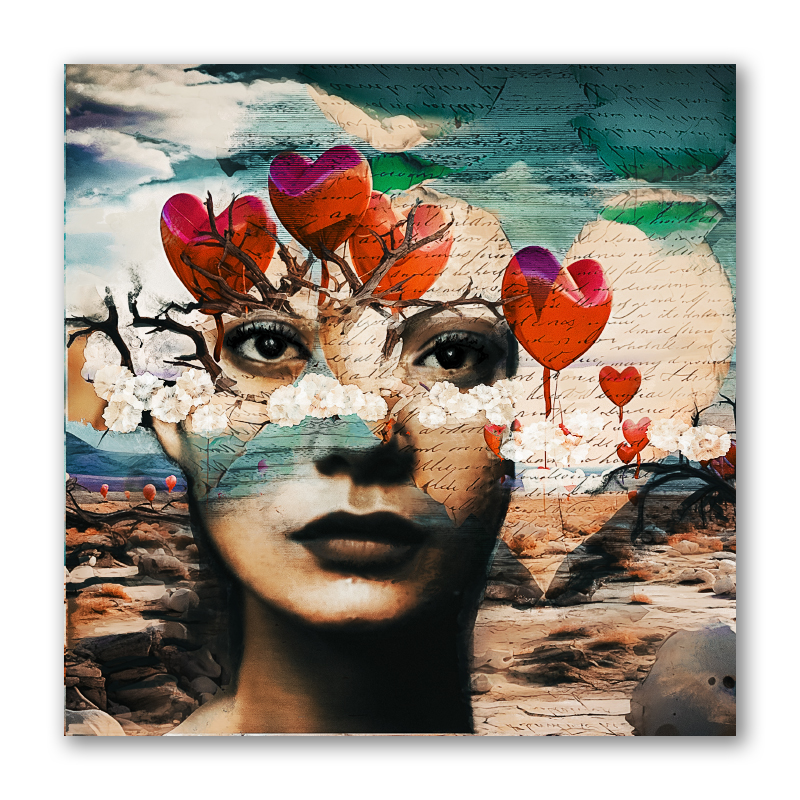
I’m a texture lover so I most certainly included that in my work over the project, but I also had fun playing with shapes and symbols, strips, painting and drawing, words and scenes. Procreate was/is the perfect platform for me to start from and I used a number of mobile art apps on my iPad to compliment my work and create textures and effects that would have been extremely time consuming and frustrating to come up with otherwise. I especially rely on creating additional content from apps like Snapseed, iColorama, Mextures, PhotoFormation, Chromatic Edges and DistressedFX. I can easily spend hours trying out different looks, effects and textures created from these apps and all geared toward creating something unique and finely crafted on my iPad
Yes, it’s digital, but it is no less work than I would put into an analog piece. Just different skills, media and tools.
So here is a little mini gallery from my 28 days of digital collage. Hope you enjoy…and thanks to the community at The Nook for hosting the 28Day Project meet-ups and providing support and good talk about creativity and getting things done.